Fund Manager Resources
Welcome to Carta
Access resources and interactive product demos that help you get the most out of Carta.
Manage your fund on Carta
Call capital
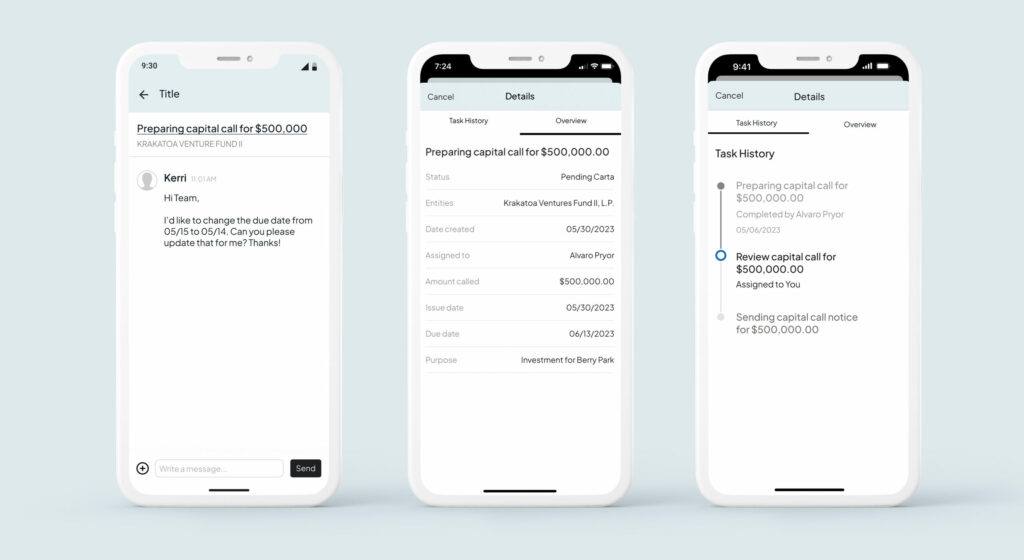
Call capital from your GP Portal or the Carta Carry app. Once your capital call is ready for review, you’ll see an open task in your Activity tab and Carta Carry app to review and approve.
Make a new investment
Make investments from your GP Portal or the Carta Carry app. Once your wire is set up for release in your banking portal, you’ll see a notification in your Activity tab and Carta Carry app to review and release the wire.
Submit a reimbursement
Submit receipts for reimbursement from your GP Portal or the Carta Carry app. Once your wire is set up for release in your banking portal, you’ll see a notification in your Activity tab and Carta Carry app to review and release the wire.
Initiate a vendor payment
Initiate vendor payments from your GP Portal or the Carta Carry app. Once your wire is set up for release in your banking portal, you’ll see a notification in your Activity tab and Carta Carry app to review and release the wire.
Approve management fees
Review and approve management fees from your GP Portal or the Carta Carry app. Once your management fee is ready for review, you’ll see an open task in your Activity tab and Carta Carry app to review and approve.
Update a valuation
Update a valuation from your GP Portal.
Request a distribution
Request a distribution from your GP Portal. Once your distribution notices are ready for review, you’ll see an open task in your Activity tab to review and approve.
Review financials
Carta will deliver your draft quarterly financial statements on the first business day after the end of the quarter. You can track, review, and approve them from the Activity tab in your GP Portal.
Message your fund admin team
Message your fund admin team from your GP Portal or the Carta Carry app.
Edit user settings
Add new users, delete existing users, or edit user permissions from the Firm Settings tab in your GP Portal.
Build Queries and reports
Carta Carry
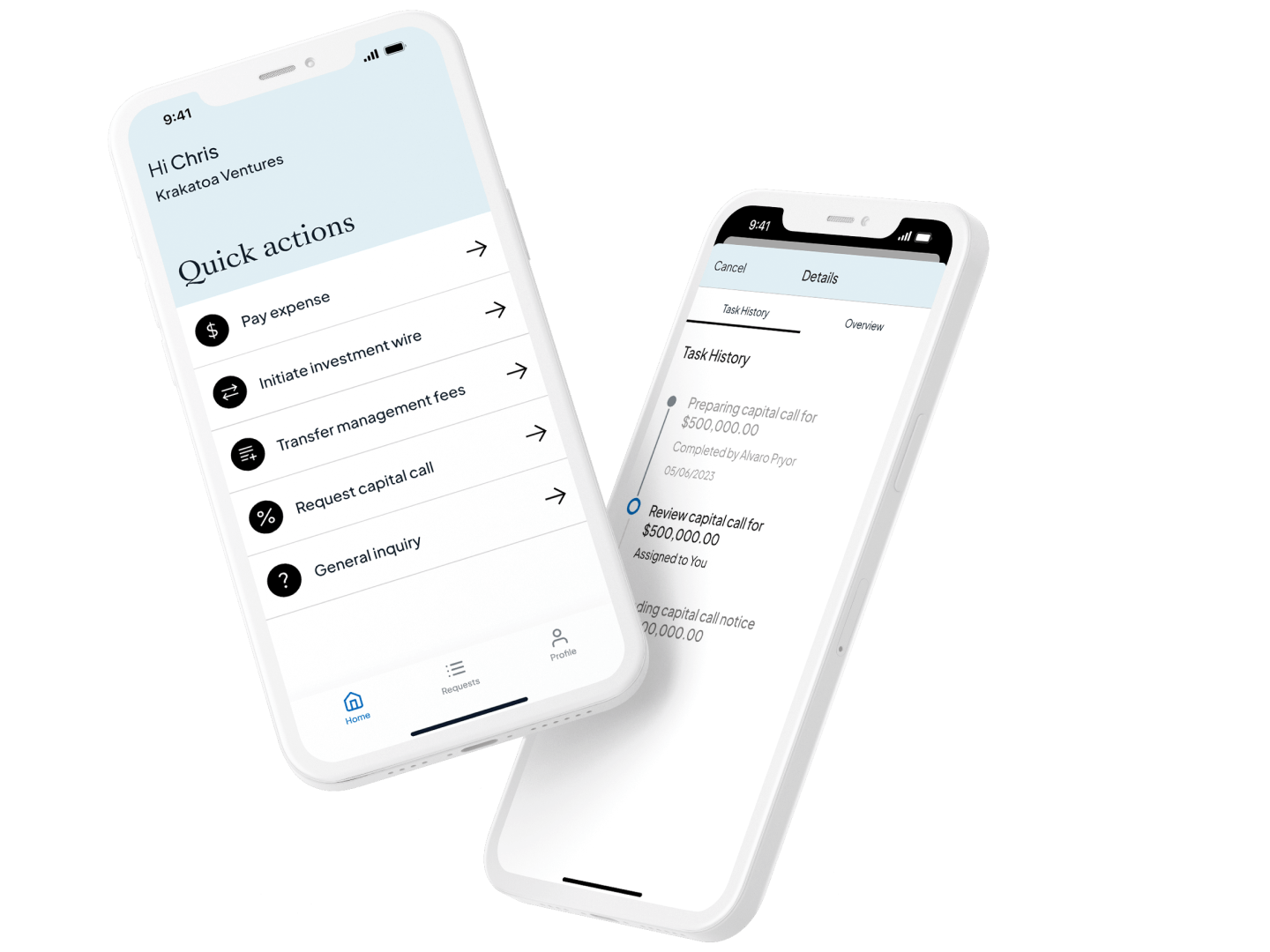
Carta Carry
The Carta Carry app puts your back office in your back pocket. Submit and track tasks, message your fund admin, and make approvals—from anywhere.
Manage investors on Carta
Invite LPs
To add new investors to an existing fund, request a subsequent close from the Activity tab in your GP Portal. If using Carta Closings, you’ll add new investors from the Closings tab in your GP Portal.
Increase LP commitments
Initiate a commitment adjustment from the Partners tab in your GP Portal.
Share documents with LPs
Share documents and customize LP email notifications from the Partners tab in your GP Portal.
Audit LP wire instructions
Before a distribution, go to the Partners tab in your GP Portal to review wire instructions and send email requests to LPs who have incomplete information.
Update a primary contact
Primary contacts have access to all fund commitment documents and information, and can manage the permissions of secondary contacts. To update a primary contact, go to the Partners tab in your GP Portal.
Add or update a secondary contact
Secondary contacts can only access fund documents the primary contact has given them permission to view. To update a secondary contact, go to the Partners tab in your GP Portal.